5 processos que toda pequena empresa deveria automatizar (e como começar)
Retrabalho, erros manuais e processos lentos custam mais caro do que parecem. Veja quais tarefas valem mais a pena automatizar e o que esperar de resultado.
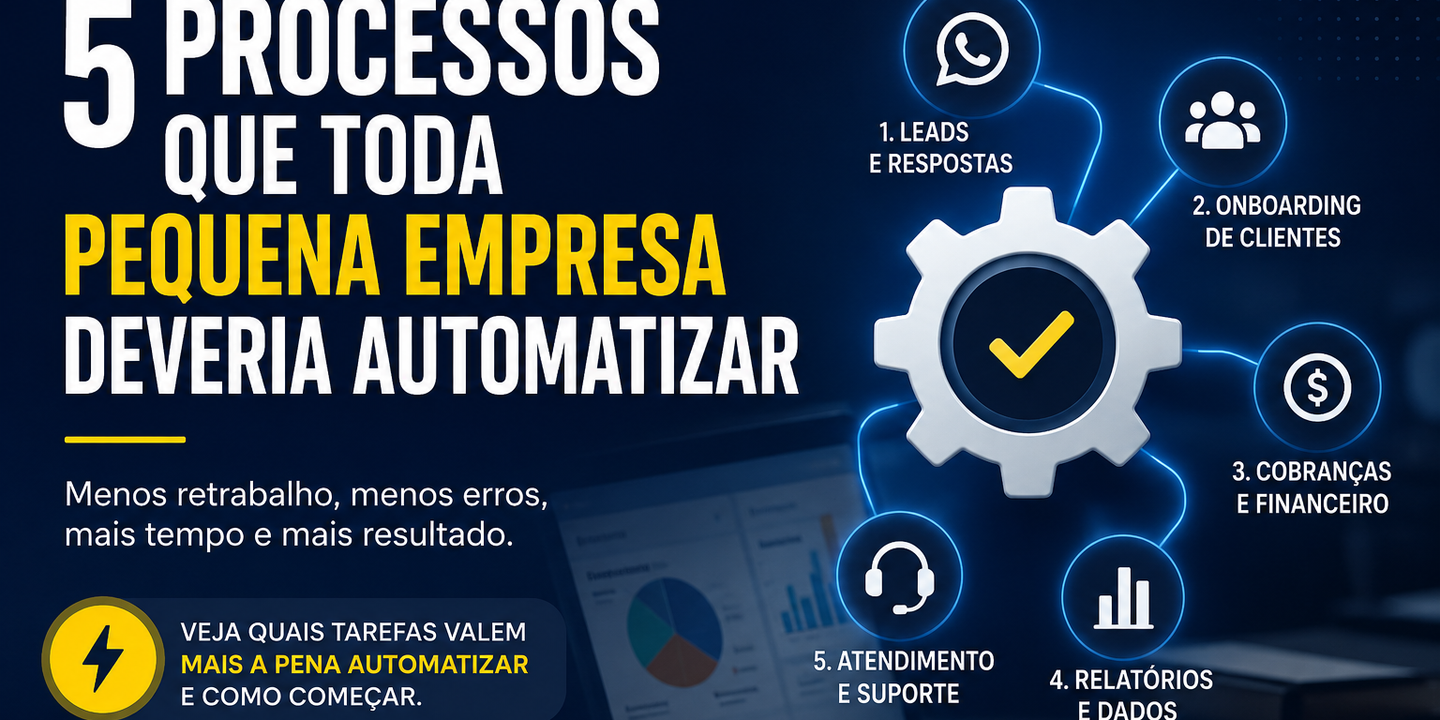
Se você tem uma pequena ou média empresa, provavelmente já sentiu isso: o dia tem 24 horas, mas parece que metade delas some em tarefas que se repetem toda semana. Responder as mesmas perguntas, copiar dados de um lugar para outro, gerar relatórios manualmente, cobrar clientes...
O problema não é falta de esforço. É que esses processos foram desenhados para uma empresa menor, e nunca foram revisados conforme o negócio cresceu.
Automação não é assunto só para grandes corporações. Hoje, com as ferramentas certas, qualquer empresa consegue eliminar retrabalho, reduzir erros e liberar tempo para o que realmente importa.
Estes são os 5 processos onde o retorno costuma aparecer mais rápido.
1. Qualificação e resposta de leads
Cada lead que chega pelo site, Instagram ou WhatsApp precisa de uma resposta rápida. Mas responder manualmente fora do horário comercial, ou demorar horas para retornar, custa vendas.
O que dá para automatizar:
- Resposta imediata no WhatsApp com coleta de informações básicas (nome, empresa, necessidade)
- Qualificação automática baseada nas respostas
- Notificação para você apenas quando o lead já está "quente"
- Agendamento automático de conversa
Resultado esperado: menos leads perdidos, mais tempo vendendo — e menos tempo respondendo perguntas básicas.
2. Onboarding de novos clientes
Quando um cliente fecha negócio, começa uma sequência de tarefas: contrato, briefing, acesso a ferramentas, apresentações, follow-ups... Feito à mão, esse processo é lento, inconsistente e propenso a esquecer algum passo.
O que dá para automatizar:
- Envio automático de contrato para assinatura digital
- Formulário de briefing disparado logo após a assinatura
- Criação de pasta no Google Drive, projeto no Notion/Trello, grupo no WhatsApp
- Sequência de emails de boas-vindas nos primeiros dias
Resultado esperado: cliente com melhor experiência desde o início, e você sem precisar lembrar de cada etapa.
3. Cobranças e controle financeiro
Cobrar manualmente é constrangedor e ineficiente. Muitas empresas perdem dinheiro simplesmente porque o processo de cobrança depende de alguém lembrar de enviar um boleto ou fazer um follow-up.
O que dá para automatizar:
- Emissão e envio automático de cobranças recorrentes
- Lembrete antes do vencimento
- Notificação de inadimplência com sequência de follow-up
- Atualização automática do status do cliente no seu sistema
Resultado esperado: inadimplência menor, menos tempo no financeiro e fluxo de caixa mais previsível.
4. Relatórios e coleta de dados
Quantas horas por semana alguém na sua empresa passa exportando planilhas, copiando números e montando relatórios? Esse é um dos trabalhos mais fáceis de automatizar, e que libera tempo de pessoas qualificadas para análise, não para coleta.
O que dá para automatizar:
- Consolidação de dados de diferentes fontes (CRM, planilhas, ads, e-commerce)
- Geração de relatório semanal/mensal enviado automaticamente por email
- Dashboard atualizado em tempo real
- Alertas quando alguma métrica sai do esperado
Resultado esperado: decisões mais rápidas, menos tempo em reunião tentando entender o que aconteceu na semana.
5. Atendimento e suporte recorrente
Responder as mesmas 10 perguntas todo dia drena energia e distrai o time de tarefas mais importantes. Isso vale para atendimento ao cliente, suporte técnico ou até perguntas internas da equipe.
O que dá para automatizar:
- Base de conhecimento integrada ao WhatsApp ou chat do site
- Triagem automática: o sistema resolve o simples, encaminha o complexo
- Respostas padronizadas para dúvidas frequentes
- Histórico centralizado de todas as interações
Resultado esperado: atendimento mais rápido, menos sobrecarga na equipe, cliente mais satisfeito.
Por onde começar?
O erro mais comum é querer automatizar tudo de uma vez. Não funciona assim.
A abordagem que recomendo: escolha um processo, o que mais toma tempo ou gera mais erro hoje, e automatize ele completamente. Quando estiver funcionando bem, parte para o próximo.
Antes de qualquer ferramenta, vale mapear:
- Quais tarefas se repetem toda semana?
- Onde acontecem mais erros manuais?
- Onde sua equipe gasta mais tempo com trabalho operacional?
As respostas já indicam onde começar.
Se quiser fazer esse diagnóstico com mais profundidade e entender o que faria sentido no contexto específico do seu negócio, é exatamente o que eu ofereço na análise gratuita.
Continue lendo